


 In stock
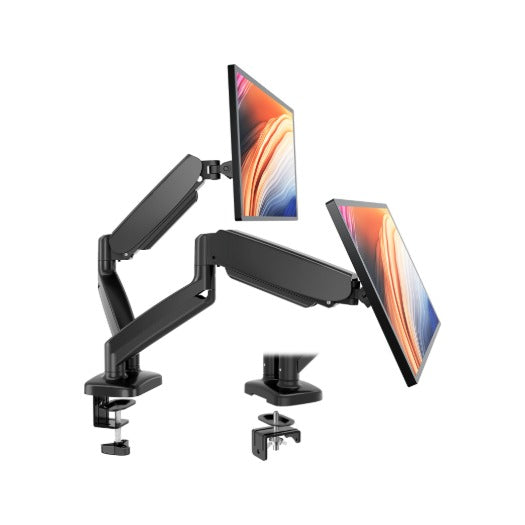
Dual Monitor Arm with Gas Spring, C-Clamp and Grommet Base, Fits 13 to 32 Inch Screens, Black
$64.99
Where to put a screen, and how to add more of them. Height, distance and tilt from OSHA's computer workstation guide, plus portable and clip-on screens for a laptop.
In stock

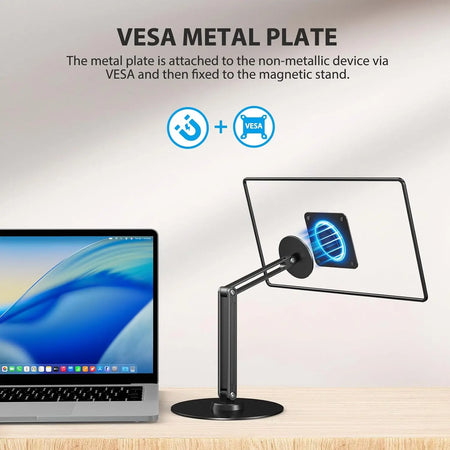



OSHA's computer workstation guide puts the monitor directly in front of you and at least 20 inches away, and calls 20 to 40 inches (50 to 100 cm) the preferred viewing distance.
The top line of the screen should sit at or slightly below eye level, with the centre of the screen normally 15 to 20 degrees below horizontal eye level.
OSHA advises that monitors should not sit farther than 35 degrees to the left or right.
More from the 9spaceX blog

